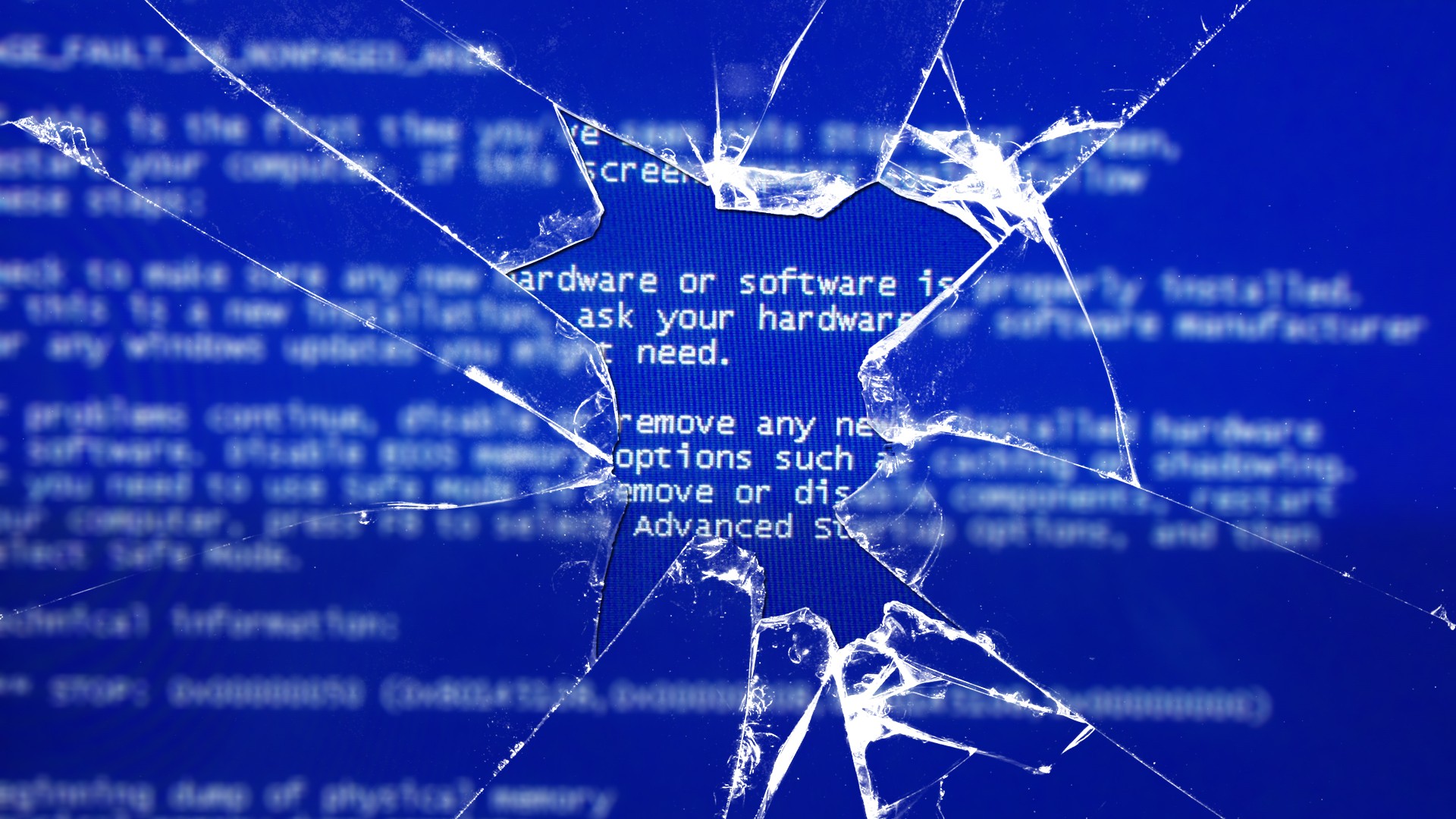
My Plex server running Windows 11 decided to go into a boot loop with a PAGE_FAULT_IN_NONPAGED_AREA BSOD over the weekend.
I could, however, boot into safe mode just fine. In years past, you could spam the F8 key
and get into safe mode, but no more. In order to get into safe mode, I had to boot to a WinPE disc and run bcdedit /set {default} safeboot network and restarted the computer. To remove it booting into safe mode: bcdedit /deletevalue {default} safeboot. Picking a system restore point to a few days ago did nothing to resolve the problem and for some reason, dism wasn’t playing ball with me (it kept claiming it couldn’t find the installation source files for the repair).
I suspected some type of hardware problem after running BlueScreenView on C:\windows\memory.dmp and having it point to ntoskrnl.exe as being
the problem, but then AI told me that BlueScreenView can be inaccurate and to try WinDBG. Unforunately, I could not install WinDBG in safe mode, but found a way around this using this Powershell script to download and extract the WinDBG binaries:
https://gist.github.com/lzybkr/a39f6c07be4891ee9fac6bf6eb13893e
After running !analyze -v, I finally got the culprit: fortfw.sys! This is a driver from Fort Firewall, a 3rd party firewall program. I uninstalled the program in safe mode, restarted and viola, Windows now boots into normal mode without BSODing.

The lesson here is don’t rely on BlueScreenView results alone, especially if it points to ntoskrnl.exe as being the problem. You may also need to turn on full memory dumps by running sysdm.cpl>Advanced>Startup and Recovery>Settings>Write debugging information. Change to Complete Memory Dump from Small Memory Dump and then you should find MEMORY.DMP in C:\windows.
- Soli Deo Gloria